
AT LE PRESS · GEO-ALIGNED · FREE
The Press,
where it stands.
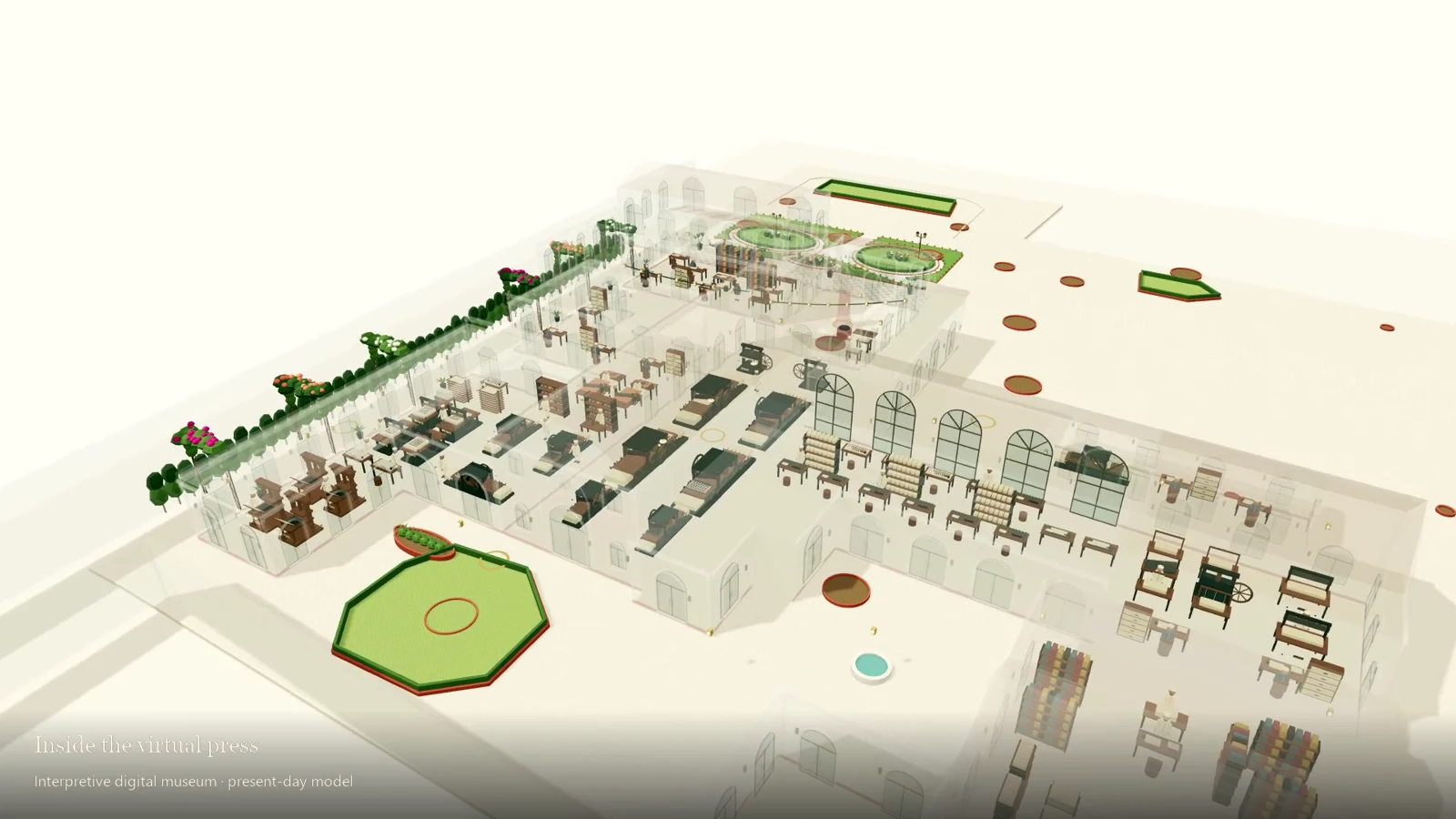
See the full campus model, with every press, desk and rack of the museum in its masterplan room, life-size around you and aligned to its real coordinates in Hazratganj. The model opens at its saved campus alignment. Allow your phone’s location to set your starting position, then tap Start life-size AR. The compass gives an initial direction; use the chimney alignment button to fine-tune it.
Opening the geotagged campus model…
Checking available viewing modes…
Saved campus position first. Location sets where you stand; camera access starts only when you tap Start life-size AR. If location is unavailable, select a known campus sign below.
STEP 1
Where are you standing?
Allow location access, then wait for the GPS accuracy reading. The campus uses the reconciled chimney, entrance and fountain coordinates. If GPS is poor, stand at a known sign and select it. Location stays on your phone.
STEP 2
Hold up your phone
- Open this page in Chrome on Android.
- Allow location access and wait for a GPS fix. Stay at that position while AR starts.
- Tap Start life-size AR, then point at the floor near your feet. Placement starts automatically when floor tracking and compass heading are ready.
- Check the alignment. If needed, point at the chimney and tap I’m facing the chimney to correct the compass direction.
Compass: waiting for your phone…
Point at the ground near your feet; tap when the green ring appears.
HOW ACCURATE IS IT?
Close, then fine-tuned by you.
| Position | From the sign you choose (within a few metres if you stand beside it) or from your phone’s GPS (typically ±5–15 m in the open; wait for a good fix). |
|---|---|
| Direction | The landmark button (chimney or entrance) is the most reliable. The phone compass can drift 10–20° near buildings and metal. |
| Model fit | Reconciled chimney anchor: 26.850750° N, 80.944639° E. Entrance and fountain fit residuals are about 2 m; this is not survey accuracy. GPS and compass can add further error. Use the chimney button and arrows to match the real view. |
| Life-size scale | AR uses metres, not tabletop scaling. People are approximately 1.78 m tall and machines retain their designed metre dimensions. Historic equipment dimensions are illustrative, not measured replicas. |
| Devices | Life-size AR needs Chrome on an ARCore-certified Android phone (for example the Galaxy S24 Ultra). iPhone browsers do not offer this mode; use the six individual AR scenes with Quick Look. Elsewhere you get a 3D preview. |
Your camera opens only when you start AR. Nothing is recorded or uploaded. The placement lasts for this session. Keep clear of traffic, steps and doorways while using AR.